
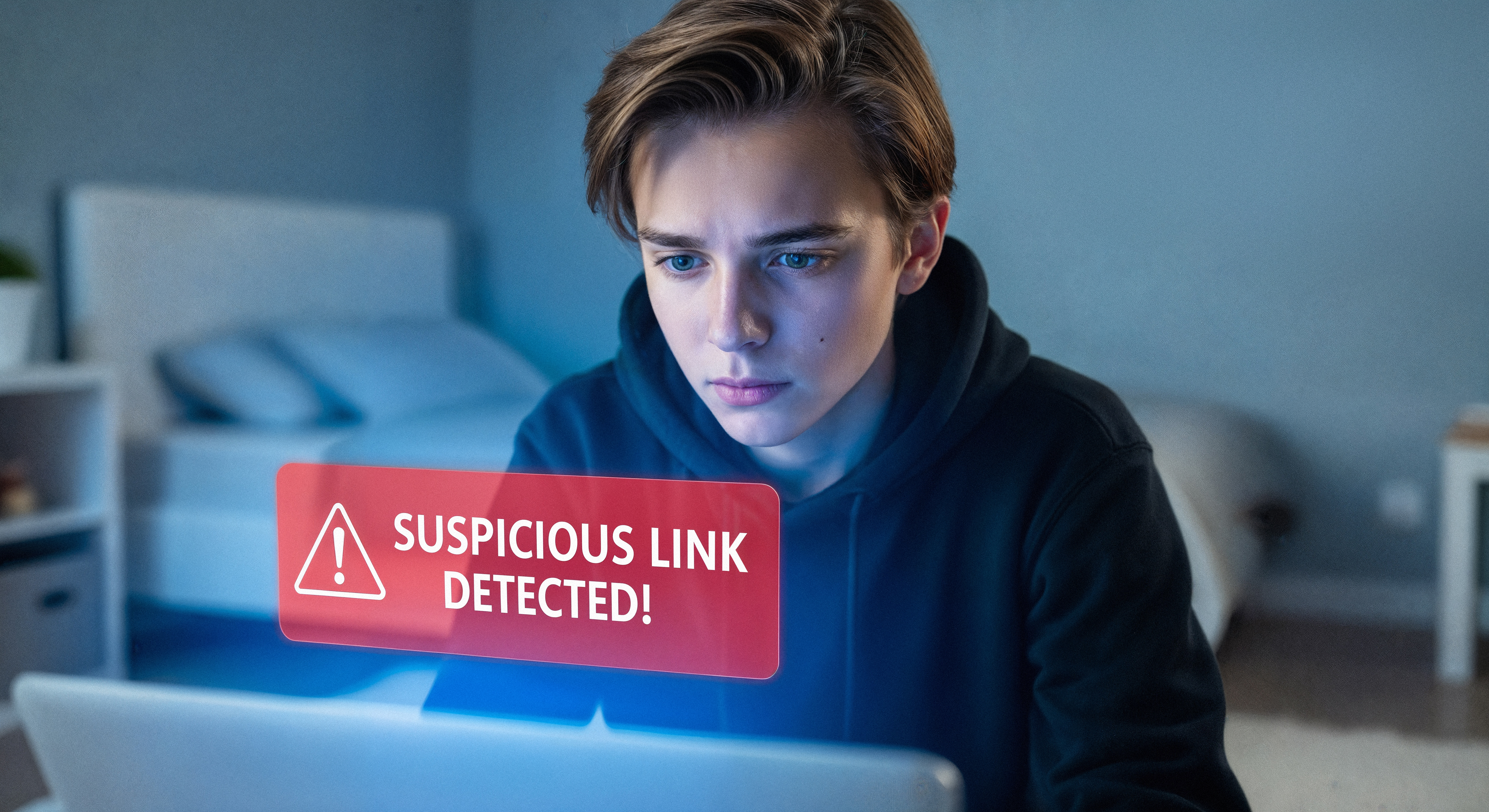
What is Phishing?
Phishing is one of the oldest and biggest pain points in cybersecurity. A phishing email is when a cyber-criminal sends you a fake message through email, social media, or direct messages from a seemingly reputable source that is designed to:
- Reveal information about you such as your passwords or credit card numbers
- Give the criminal unauthorized access to your computer
- Get you to click on a link - potentially to install malware
- Get you to make a financial transaction
Phishing relies on social engineering which exploits human psychology. Whether it’s an urgent message from a district leader, or a friendly conversation that builds trust over time, social engineers know exactly which buttons to press to mess with your emotions. One of the biggest psychological pressure points is a "sense of urgency," where you feel pressured to take action quickly without thinking.
Positive and Negative Sense of Urgency
In phishing messages, a sense of urgency can be negative or positive and point to many of the common red flags of phishing:
Examples of Positive Urgency
- You won a prize
- You're owed money
- You can get an exclusive deal
Examples of Negative Urgency
- You've been hacked
- Your account will be deactivated
- Criminals are recording you through your webcam,
- You owe money
- Your order has been cancelled / delayed
Other Phishing Red Flags
Ask yourself these questions when interacting with an email:
- Are you familiar with this sender?
- Does this message contain poor grammar or misspelled words?
- Does the email contain suspicious links or unexpected attachments?
- Does the message trigger an emotional response like curiosity, urgency, or offer unrealistic promises like prizes or money?
- Does it plead with you to click on a link, download a file, or send personal information?
- Does it threaten you by saying your account will be terminated, has been hacked, that information about you will be leaked, payments will be withheld, or that you face legal action?
If you answer yes to any of those questions, then you’ve identified one or several red flags that the email is malicious and should be reported!
Take a Minute
When reading your emails, before clicking a link, sending any information, or downloading an attachment, always take a breath and consider if the email could be phishing. The most important question to ask yourself when encountering any communication is this:
Is this communication unexpected, and does it ask me to do something I have not done before for this requester?
If the answer is yes, STOP and THINK before acting. No email needs a response in less than a minute!
What do I do if I receive a Phishing Email?
Stay calm and don't click! Don’t click any links or download attachments. Even the unsubscribe link could be a trap. Don't reply to the email, instead, report it! By reporting phishing attempts, you protect yourself and help prevent others from falling victim. We use your reported emails to improve our security measures, so please report! You can report phishing emails quickly using the Phish Alert Button (PAB) in Outlook! For detailed instructions please see our phish reporting guide.
What if I’ve already clicked on a phishing email?
If you accidentally clicked on a phishing email, don’t panic—reporting it to the I.T. team is the best thing you can do to protect yourself and others. We understand that mistakes happen. By speaking up, you allow us to ensure the security of your account. The sooner you report, the faster we can respond, so let us know right away by submitting a ticket to the IT Helpdesk.