
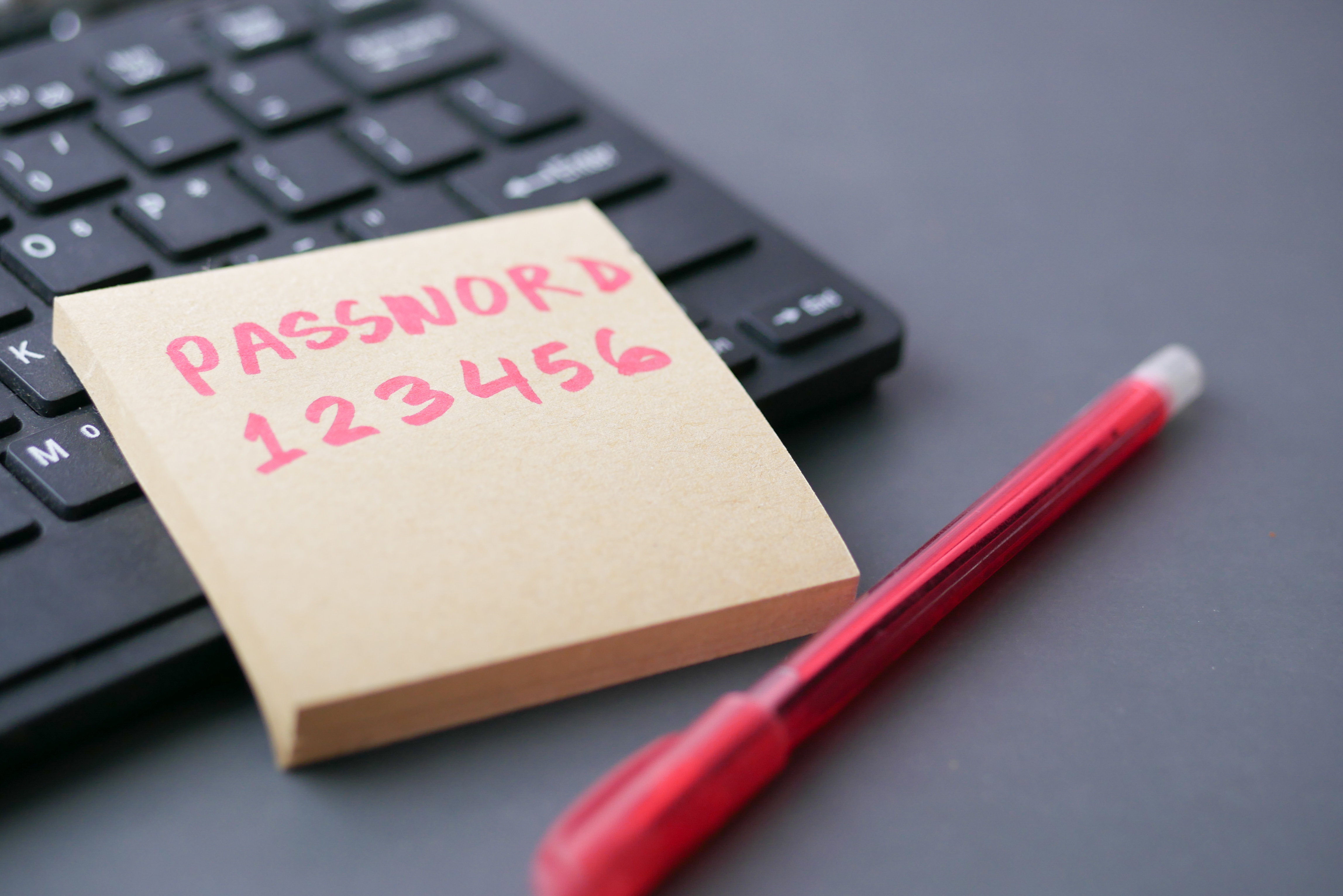
Many of us have probably used a single password to secure multiple, or even all of our online accounts. If that password gets stolen, it becomes a skeleton key for your digital life. Your compromised password can be used to gain access to all your accounts along with your sensitive information.
You can think of a password manager as a secure vault in which all your passwords are stored. In addition to storage, password managers offer an easy way to generate long, unique and complex passwords. They can even autofill your username and password when you encounter a login screen on a website. This means the only password you have to remember is the password to your password manager!
Reasons to switch
Password managers not only let you manage hundreds of unique passwords for your online accounts, but some also offer other advantages:
- Password managers automatically fill in login pages, saving you time.
- Password managers work across all your devices and operating systems.
- Some password managers notify you of potential phishing websites.
- Password managers can alert you when a password becomes compromised.
If you use a web browser like Google Chrome, for example, at some point you may have received a prompt to save a password you've just entered. By using built-in browser password managers, you compromise your security. These platforms were built for convenience. They are not security-based solutions, and you lose out on the benefits of a true password manager. For example, you won’t be able to use a browser password manager across multiple web browsers or applications, and they won’t offer you any of the extra features mentioned above.
Ready To Install Your Own Password Manager?
Hopefully we've convinced you that using a password manager is a really great idea! Not only do they amp-up the security of your important accounts, but they make your life easier as well. That's a win-win!
If you would like to set up your own password manager, we recommend doing your own research in order to find the right one that fits your needs.
To easily compare different password managers, you can use this tool from the Global Cyber Alliance.
Here are some options to get you started:
https://www.keepersecurity.com/
Please be sure to set a strong, unique password as your password manager password! We recommend using a passphrase.